Guide · updated 2026-10-29
How to keep AI characters consistent
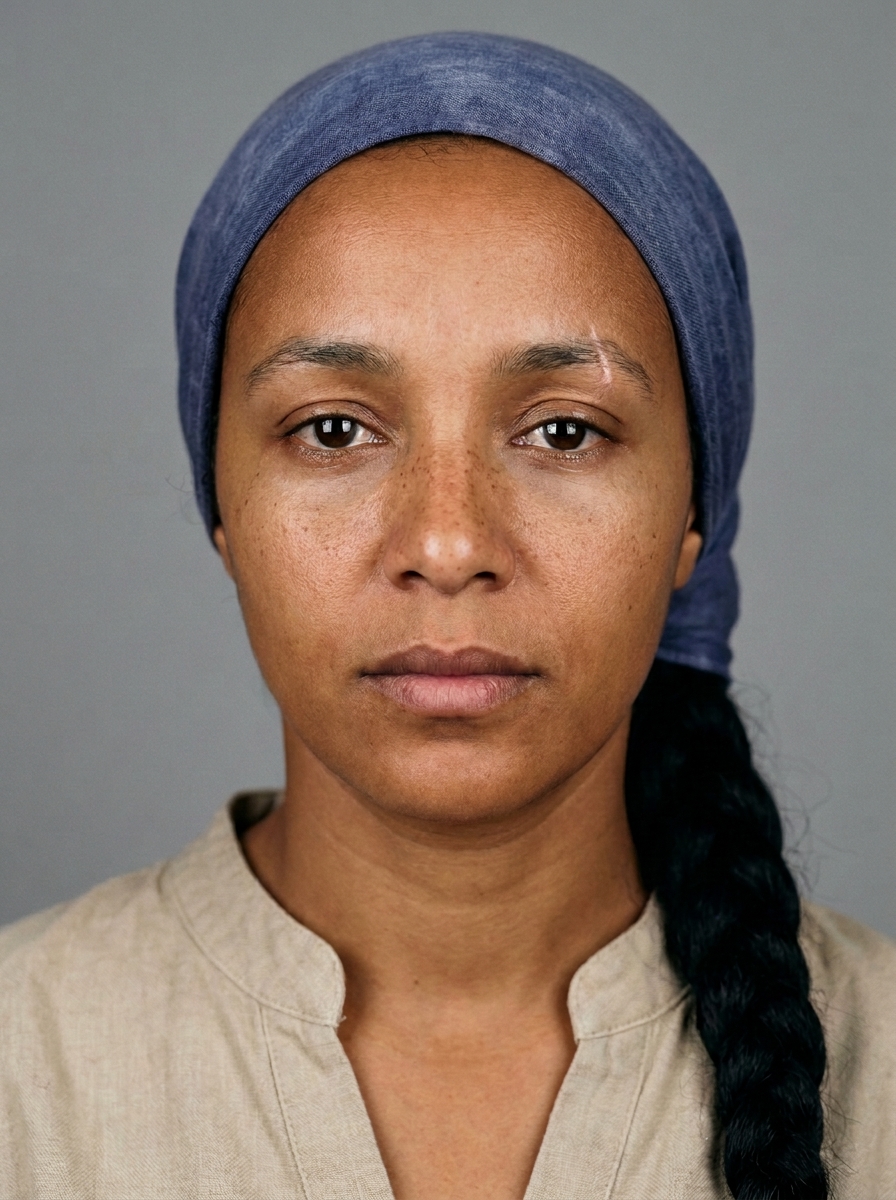

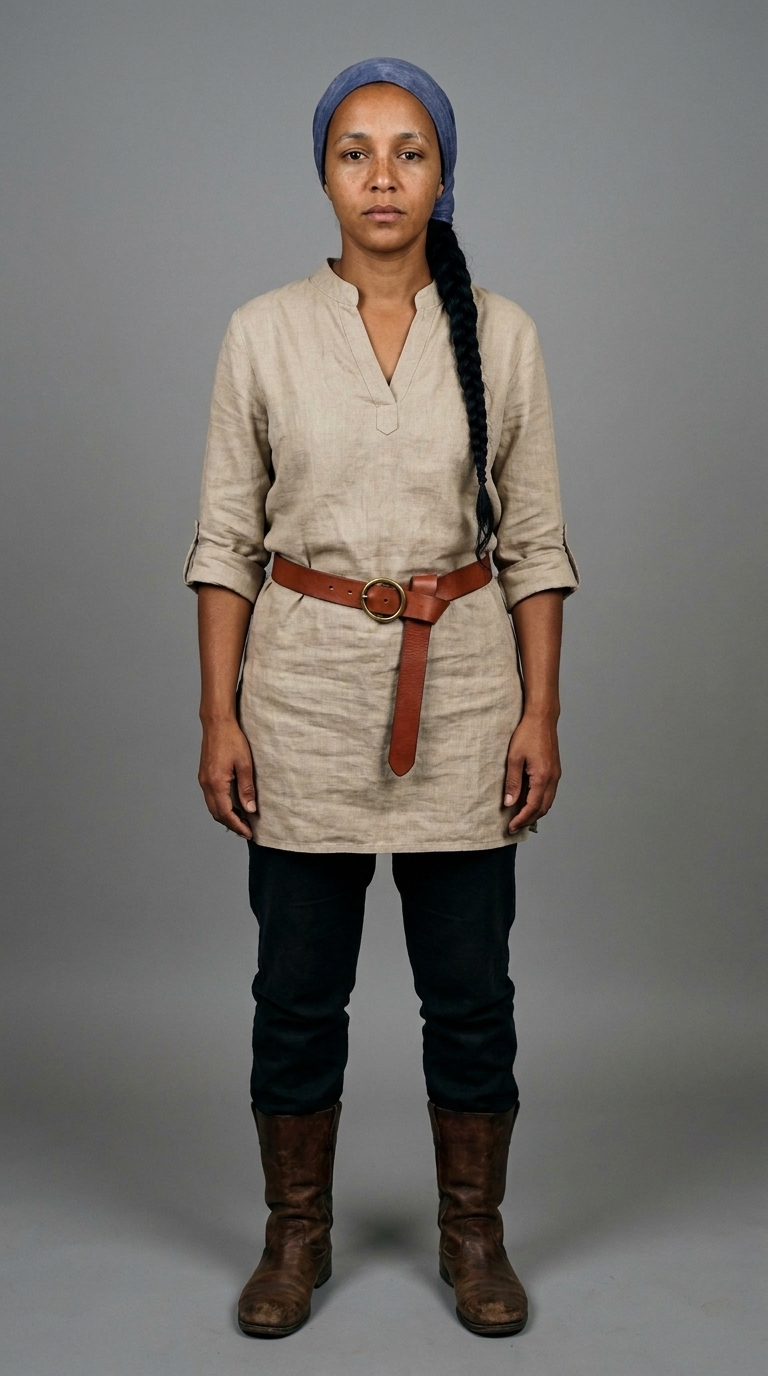
Step 1: make a reference sheet
Generate three images of your character in Nano Banana Pro on a plain background: front, turned 45 degrees, and full body. These become your character's ID card.
Step 2: write one fixed description
Describe only what is visible: age, hair, one distinguishing mark, and the costume piece by piece. Paste it word for word into every prompt; changing even one word invites drift.
Step 3: attach the references every time
In Google Flow, add the reference images as ingredients for every new image. For video, start Veo 3.1 from an approved still that already has the right face.
Step 4: use a lock line
Keep exactly the same face, hair and costume as the reference image. Keep everything else the same: the light, colours and framing.
Step 5: fix, don't re-roll
If one detail is wrong, edit that detail with the lock line instead of generating a new image. Re-rolls bring new drift.
Why does the face change after a few clips?
Each clip that starts from the end of the previous one copies small errors forward. Start each video clip from an approved keyframe instead of chaining clips.
Written by Asad Syal, founder of Join AI Film Academy.